Engineering calculator-emulator
A downloadable project for Android
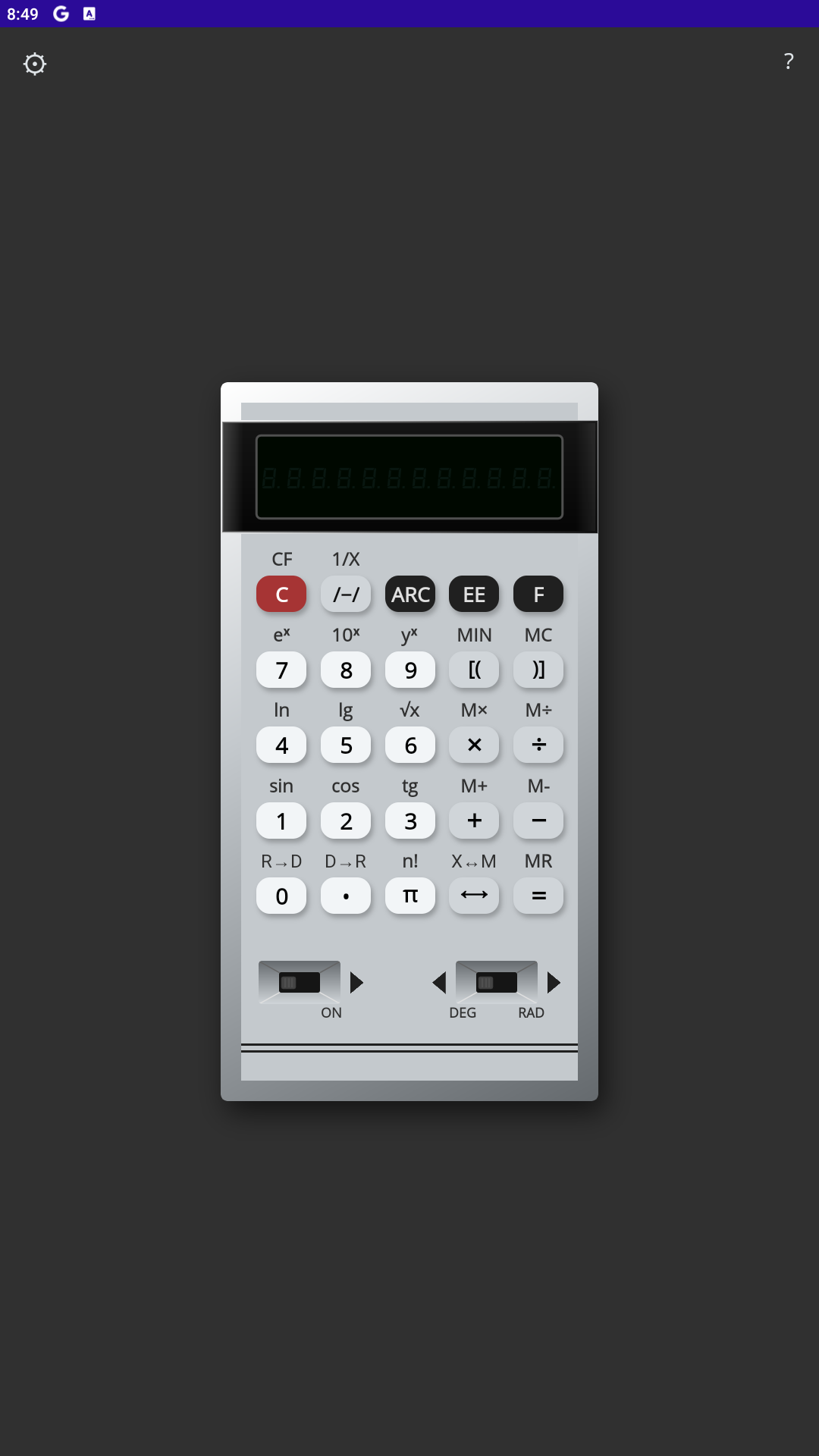
Retro Calc B3-36 is a faithful recreation of the iconic vintage engineering calculator.
Experience the unique charm of 80s electronics right on your smartphone. We have meticulously recreated the visual style and logic of the original device, including the legendary glowing vacuum fluorescent display (VFD) and the specific behavior of engineering functions.
Whether you are an engineer who remembers using the original device, or a retro enthusiast looking for a unique tool, this emulator provides an authentic experience.
Key Features:
• Authentic Design: Realistic 3D case with original button layout.
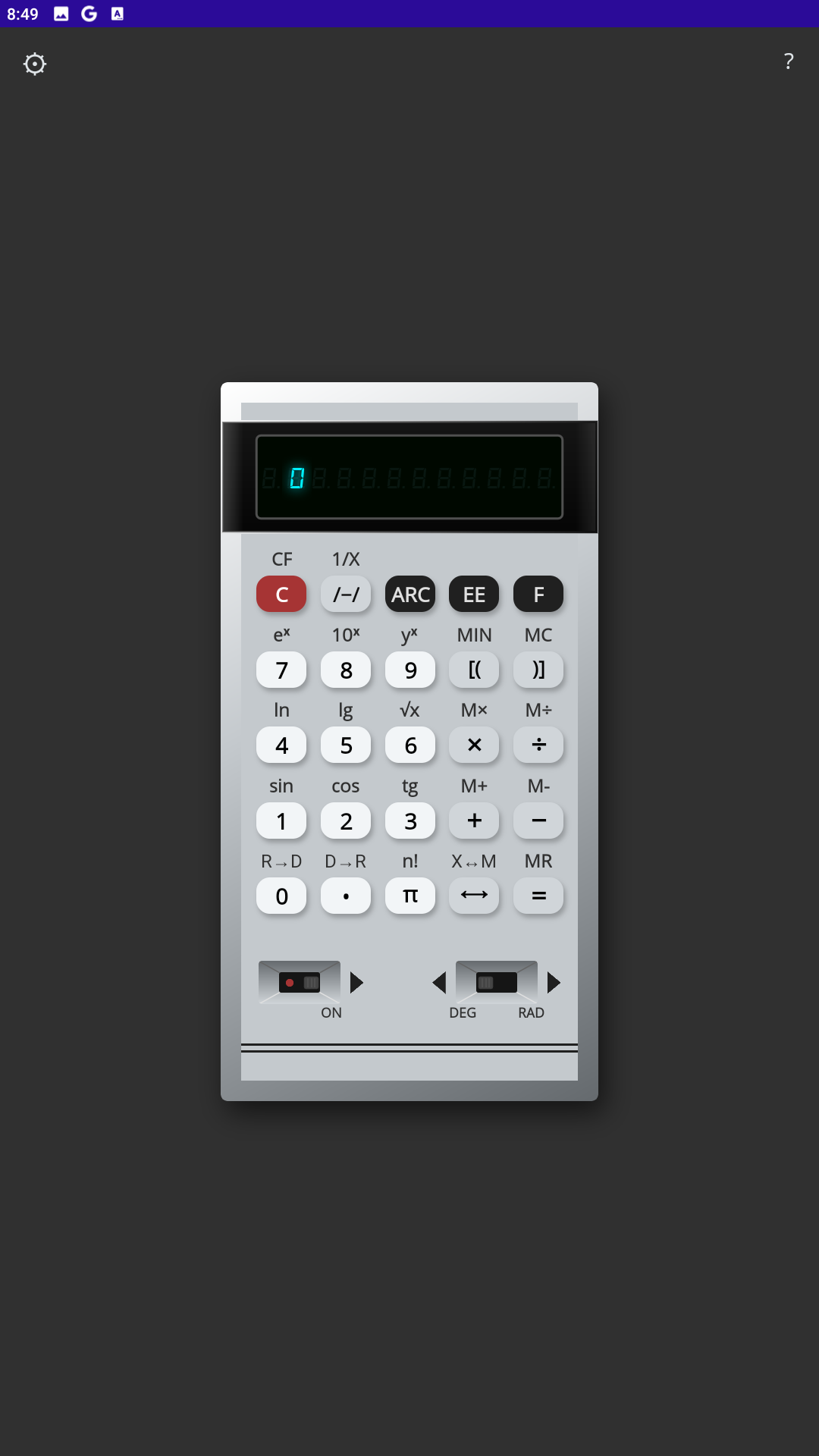
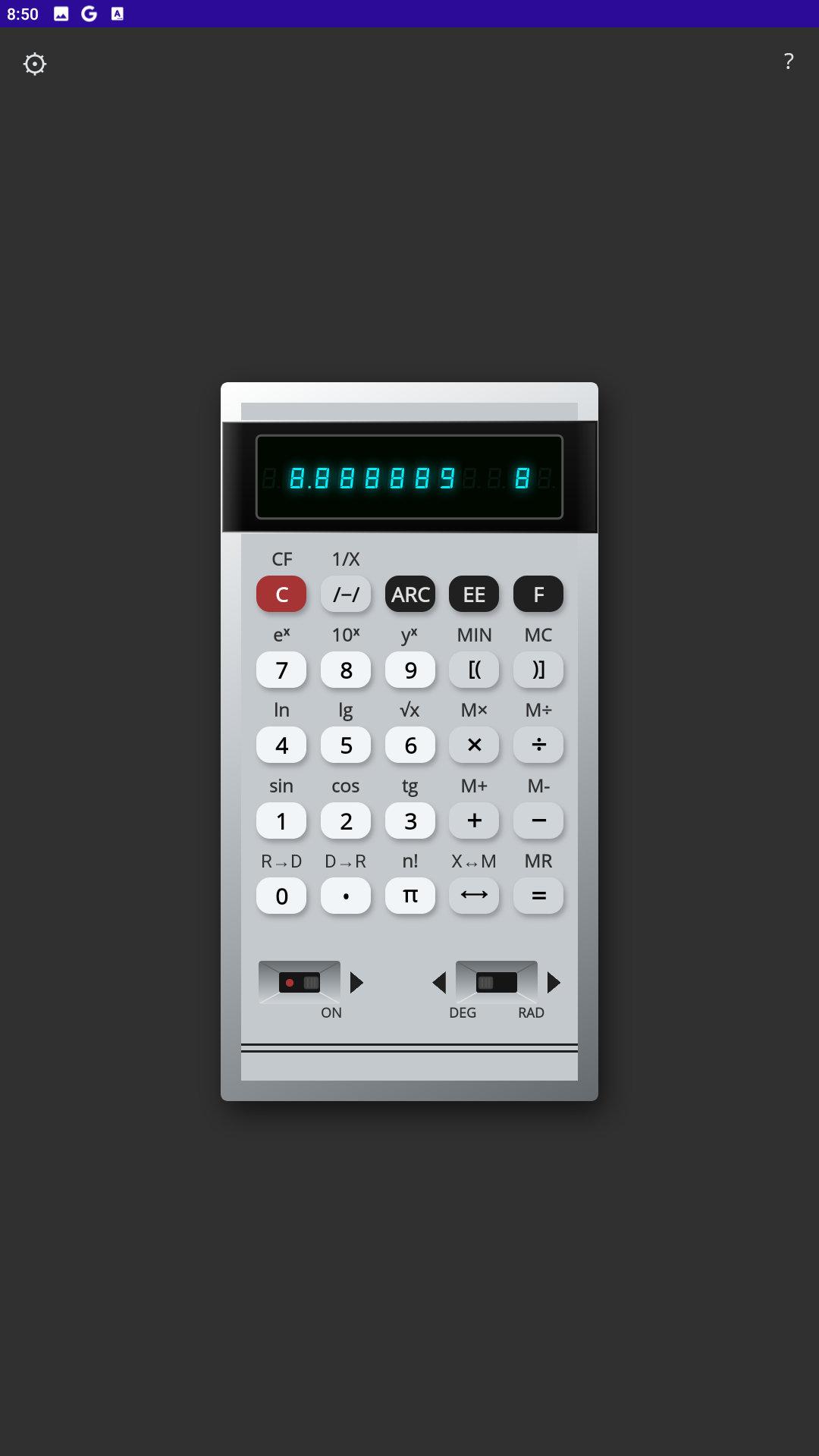
• VFD Display: Accurate simulation of the glowing green/blue segments.
• Engineering Functions: Trigonometry, logarithms, exponentiation, and factorial.
• Smart Logic: Supports both scientific notation and standard calculations.
• No Ads: Pure experience without distractions.
USER MANUAL
1. Function Mode [F]
Most scientific functions are written ABOVE the buttons (black labels).
To use them: Press [F], then the button.
2. Calculation Examples
Power (y^x): 2^3 = 8
Input: [2] -> [F] -> [9] -> [3] -> [=]
Root (√x): √9 = 3
Input: [9] -> [F] -> [6]
Factorial (n!): 5! = 120
Input: [5] -> [F] -> [π]
Trigonometry: sin(30°)
Switch to DEG mode (switch at bottom right).
Input: [3] [0] -> [F] -> [1]
3. Large Numbers (Scientific Notation)
To enter numbers like 5 × 10^12:
Enter number: [5]
Press [EE]
Enter exponent: [1] [2]
Result on screen: 5 12
4. Memory Operations
Save (MIN): [Number] -> [F] -> [ ( ]
Recall (MR): [F] -> [ = ]
Swap X<->M: [F] -> [ ⟷ ]
Add (M+): [Number] -> [F] -> [ + ]
Download
Click download now to get access to the following files:
Development log
Leave a comment
Log in with itch.io to leave a comment.