Keystore
A downloadable tool for Windows, Linux, and Android
Keystore — Reliable and Self-Hosted Password Manager (Windows, Linux & Android)
Keystore is a fast, cross-platform, and fully offline password manager designed for those who value absolute privacy and want complete control over the security of their sensitive data.
The project consists of three compatible applications:
• KeystoreWinV2 — a high-performance Windows application written in native C++ MFC.
• KeystoreLinux — a modern and secure Linux application built with native C++ and Qt6, distributed as a universal AppImage.
• KeystoreMobile — a fast and optimized Android application based on .NET MAUI with partial C++ native code.
Why Choose Keystore?
• Industry-Standard Encryption: To protect your data, the app utilizes the reliable AES-256-CBC symmetric encryption algorithm powered by the time-tested OpenSSL library.
• Cryptographic Password Salting: When creating a master password, the system automatically generates a unique salt using a multi-level MD5 hashing algorithm. The encryption key is derived individually for each database, making brute-force attacks ineffective.
• Zero Trackers or Ads: The applications contain no analytics, third-party tracking libraries, or advertisements. They perform only one function — keeping your passwords secure.
• Easy and Protected Backups: The export feature allows you to create a backup of your database on your PC or phone with a single click. Since the exported file is fully encrypted with your master password, this backup is completely secure to store on any media, USB drives, or cloud storage.
High Security: Local File-Based Synchronization
The main advantage of Keystore is the complete absence of any centralized cloud servers or online databases. Your passwords are stored exclusively on your own devices in encrypted form.
Data synchronization between your computer (Windows/Linux) and Android mobile phone is achieved by transferring an encrypted export file.
Why is this exceptionally secure?
• Protection Against Cloud Hacks: Most modern password leaks occur due to breaches of large cloud storage providers. Because the Keystore database does not physically exist on the Internet, it cannot be hacked remotely.
• Full Control Over the File: You export your database in encrypted form, transfer the file to your phone (via cable, local Wi-Fi, or memory card), and import it. Even if this file is intercepted, it is impossible to decrypt without your unique master password.
• Metadata Confidentiality: Nobody but you knows which resources, websites, or accounts you are storing.
How to Get Started?
1. Download and run KeystoreWinV2 (Windows) or KeystoreLinux (Linux) on your PC.
◦ Note for Linux users: The app is provided as an AppImage. Simply right-click the file, allow execution as a program, and run. (sudo apt install libfuse2 on Ubuntu or sudo dnf install fuse-libs on Fedora).
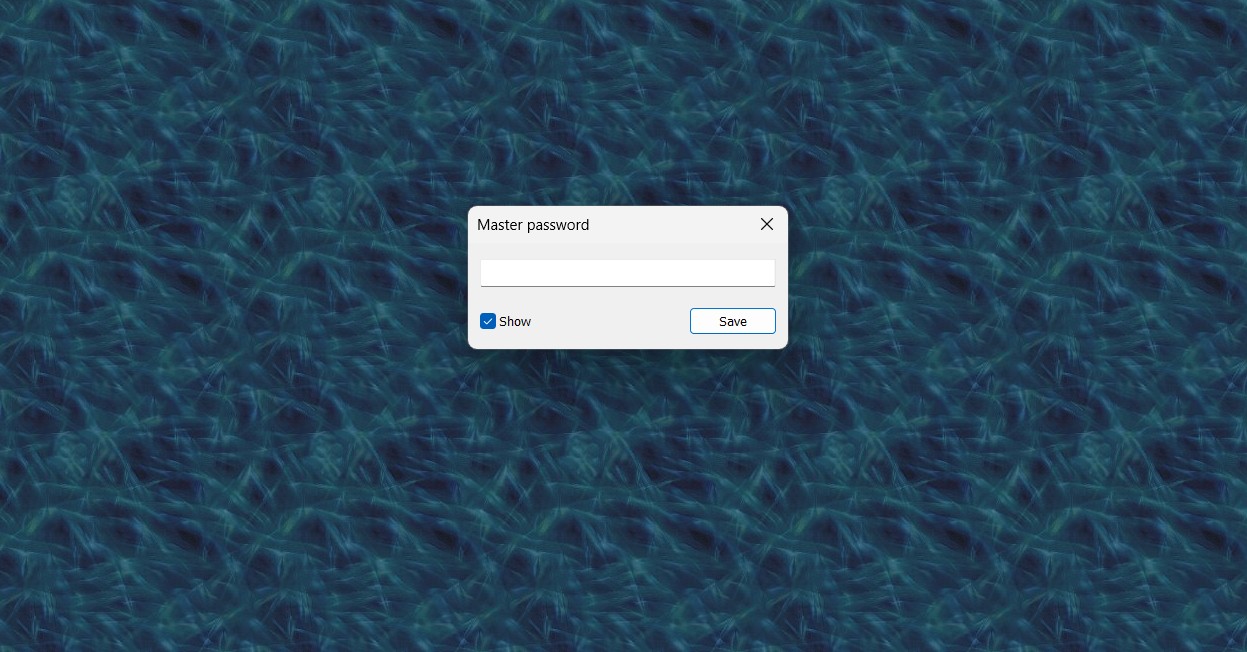
2. During the first launch, set up your reliable master password.
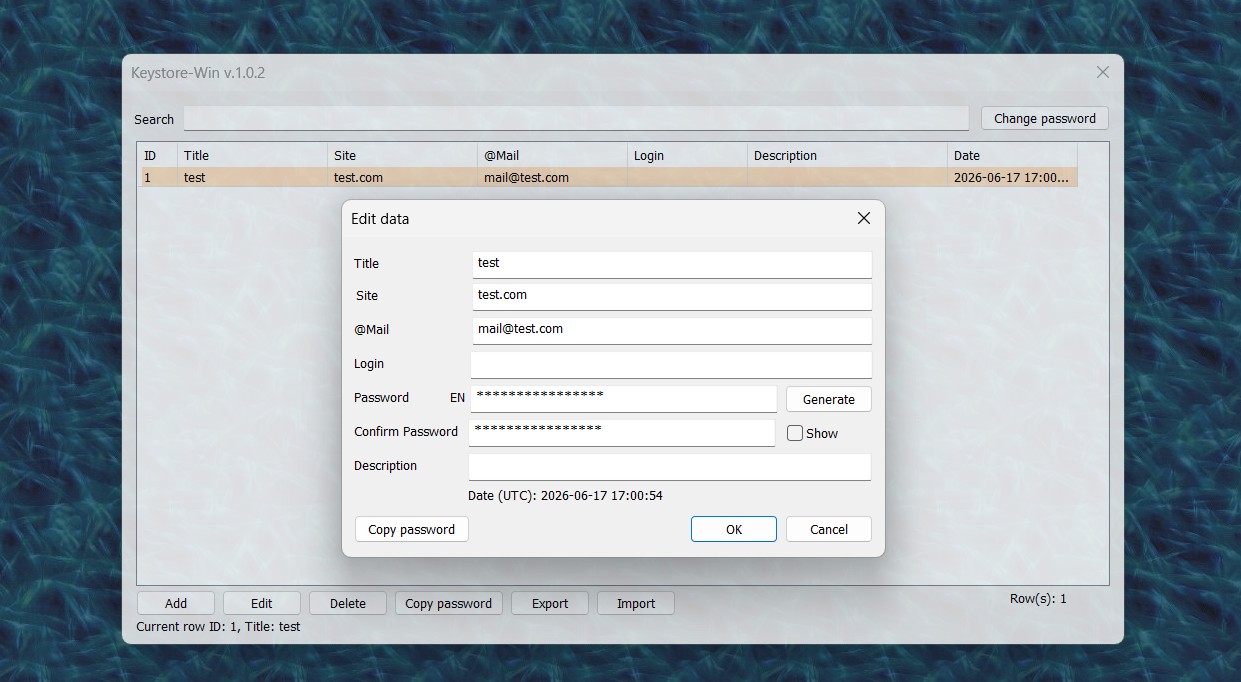
3. Add your accounts.
4. Install the mobile application on your Android phone.
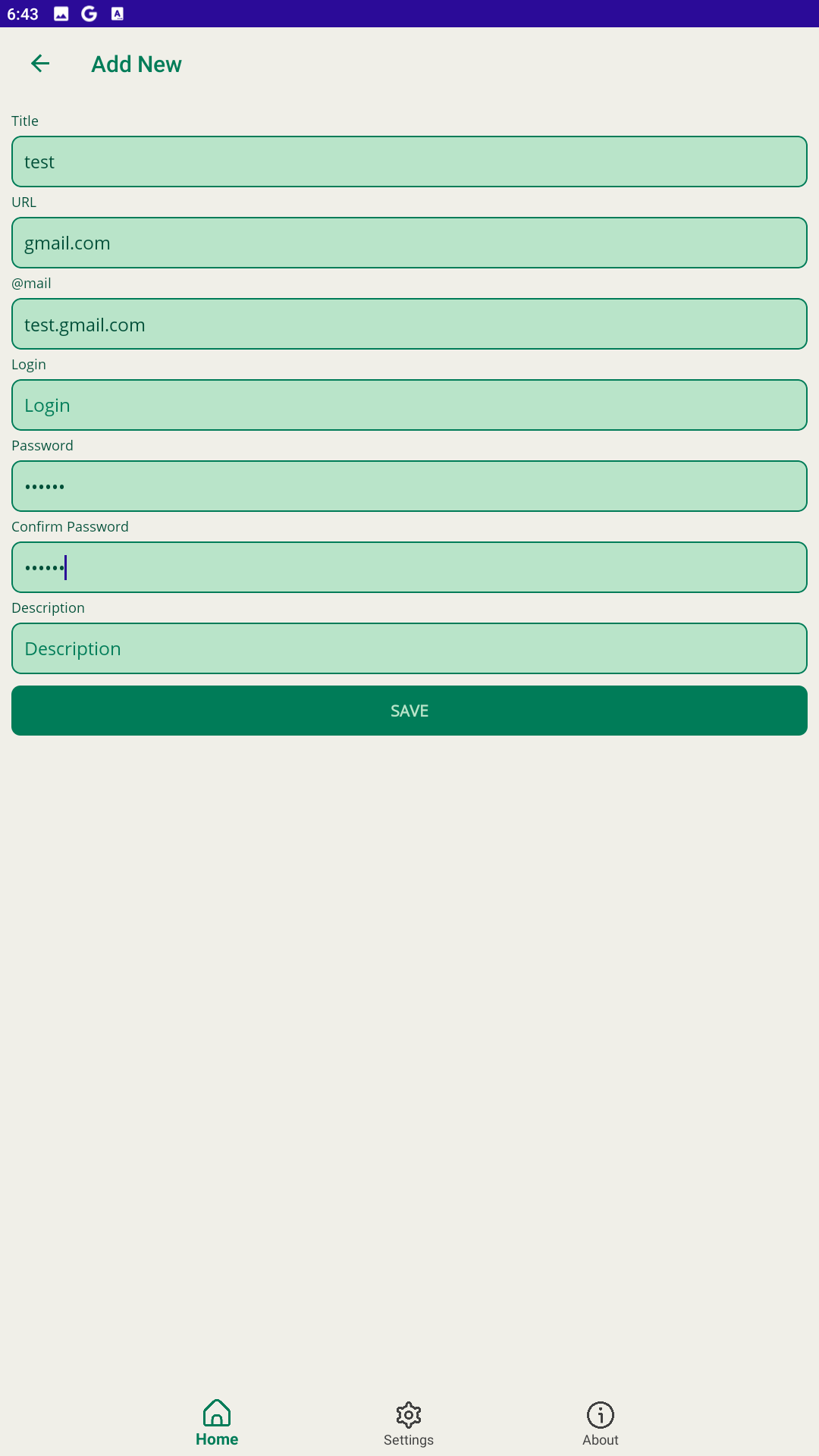
5. During the first launch on your phone, enter the exact same master password as on your PC.
6. To synchronize data:
◦ Click the Export button on your PC. The program will generate an encrypted file (e.g., Keystore_Export_2026-06-21.csv).
◦ Transfer this file to your phone.
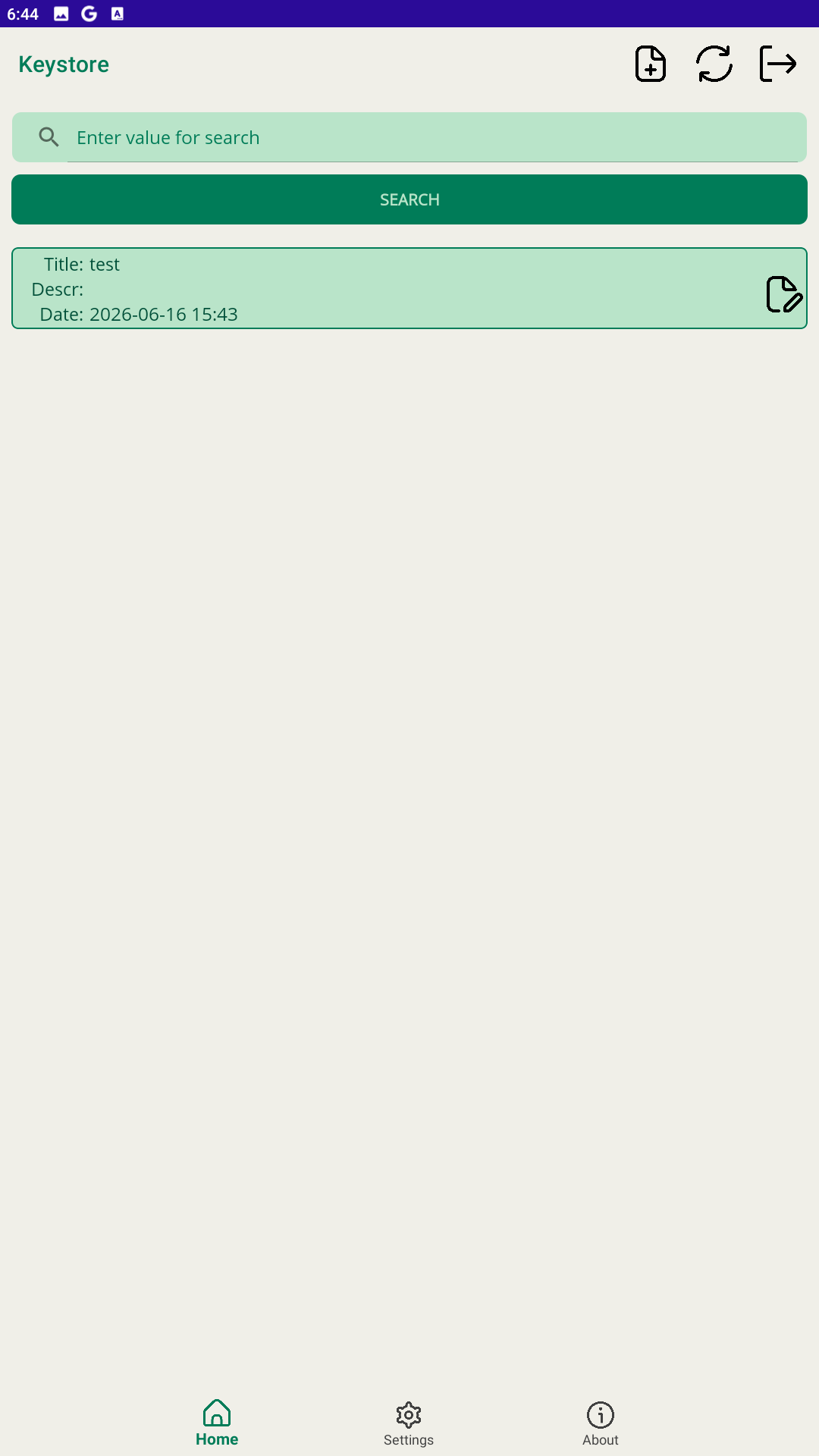
◦ Open KeystoreMobile on Android, select Import, and choose the transferred file.
7. Done! Your password database is now securely updated across your devices.
Download
Click download now to get access to the following files:
Development log
Leave a comment
Log in with itch.io to leave a comment.